
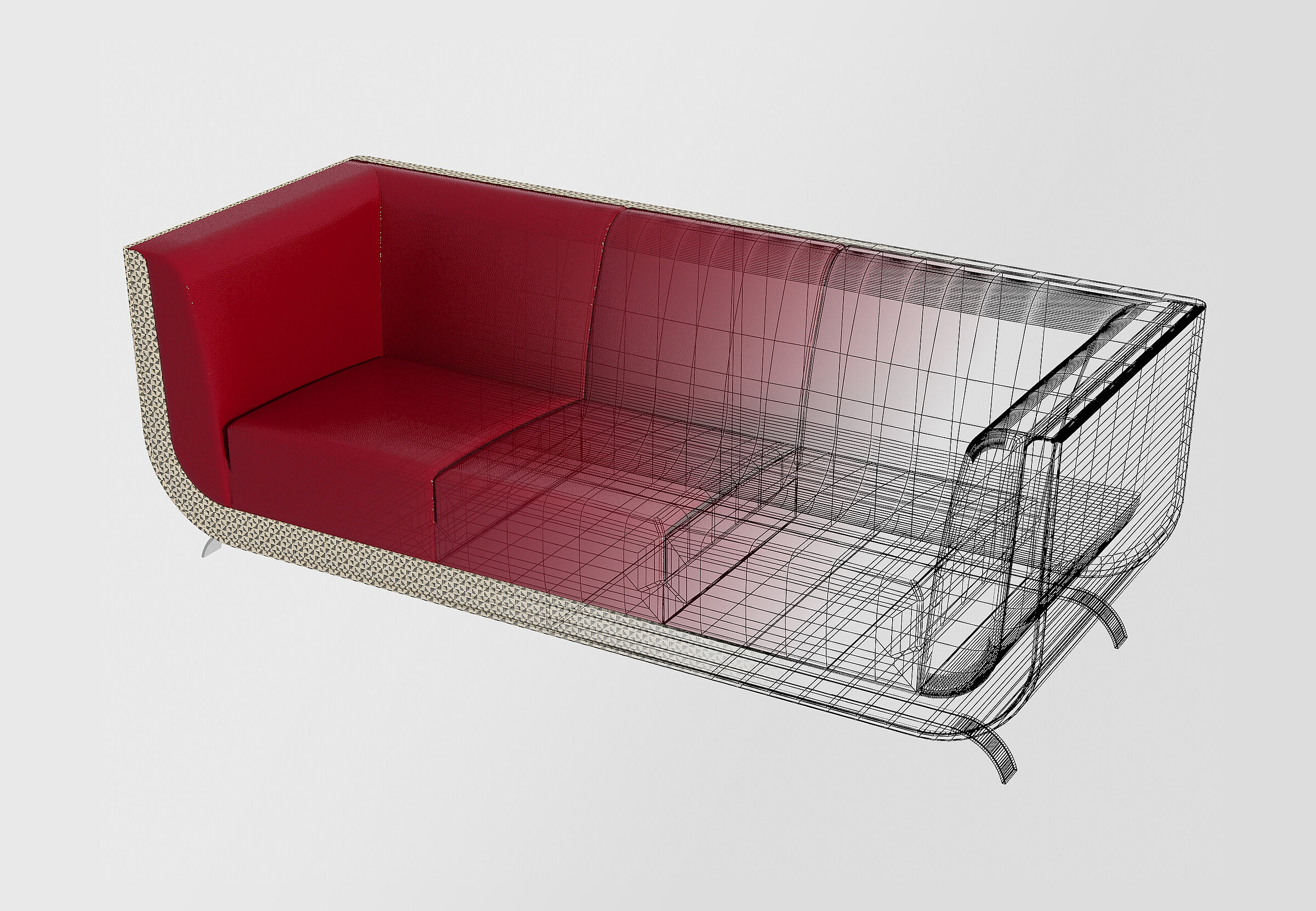
The behind-the-scenes of creating 3D visualisations often remains a mystery - until the finished render reaches a catalogue, a website, or an investor presentation. Below we walk through the whole process step by step, whether it is an interior, a product, or a technical component.
1.Gathering documentation and taking measurements
The first stage is collecting all the information about the subject of the job. To create a visualisation we use photos, sketches, dimensioned and technical drawings and material specifications. The more data we have, the more accurately the visualisation will reproduce the real object, whether it is an interior, a product or a technical component.
The best option is digital documentation in .dwg or .pdf files. However, we can also survey objects or prototypes that do not yet have technical documentation: depending on how complex the shape is, we use traditional measuring methods or 3D scanning.
2.3D modelling
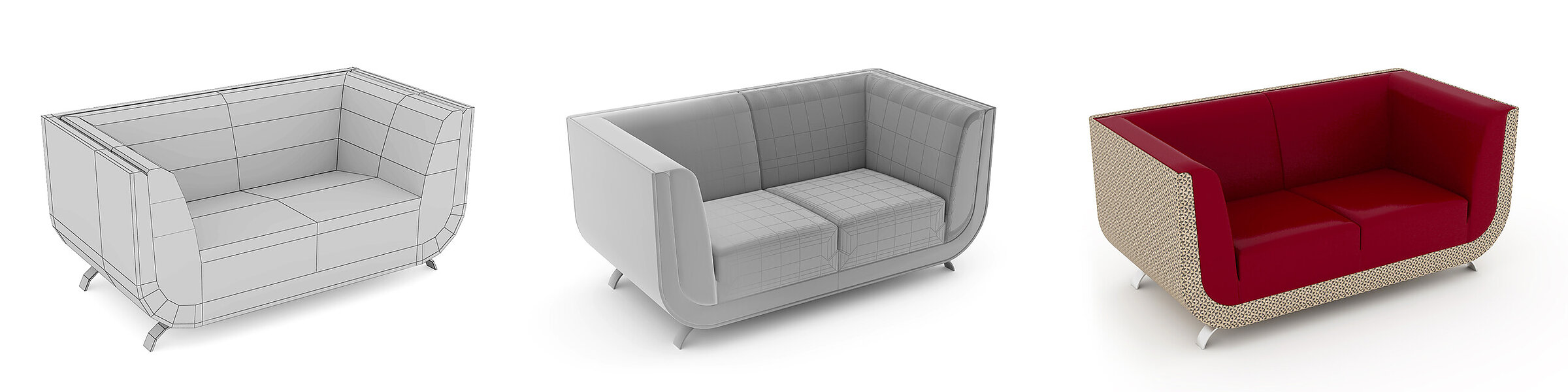
Once we have the information we need, we start building the 3D geometry. 3D modelling is similar to the work of a traditional model maker: using advanced tools, simple geometric shapes are developed into complex, final forms.
A properly built model matches the real object 100%, both in its proportions and in the specified dimensions. Its geometric accuracy even allows the model to be exported for 3D printing, CNC machining or other rapid prototyping techniques.
3.Texturing and materials
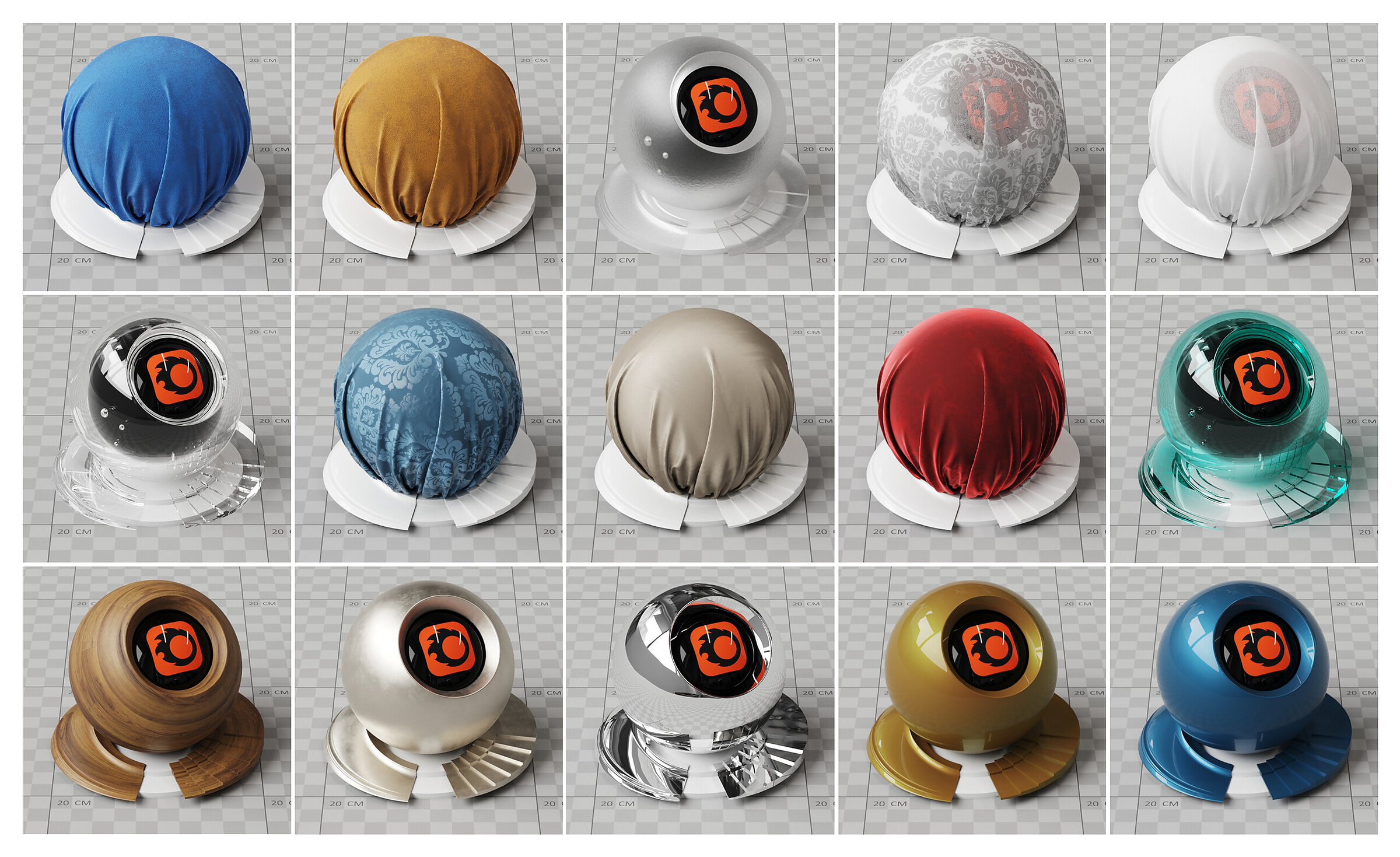
For a visualisation to become a photorealistic image, the finished models have to be “dressed” in colours, materials and textures whose parameters match how real-world materials behave. Applying the laws of physics and optics makes full realism possible.
The software we use can reproduce even subtle material characteristics: colour, gloss, texture, surface irregularities, light scattering and transparency. Technically speaking, almost any material that exists in reality can be shown in a render.
4.Lighting the scene and choosing the camera angle
Correct lighting is one of the most important stages of the work: without it, the colour and texture of a material have no chance to shine. Setting up the lights works much as it does in a photo studio, with different light sources accentuating and sculpting the features of the rendered scene.
Framing is done with virtual cameras whose settings are familiar from ordinary cameras: depth of field, ISO and white balance. Once the raw test renders are done, only final adjustments remain.
5.Final rendering and post-production
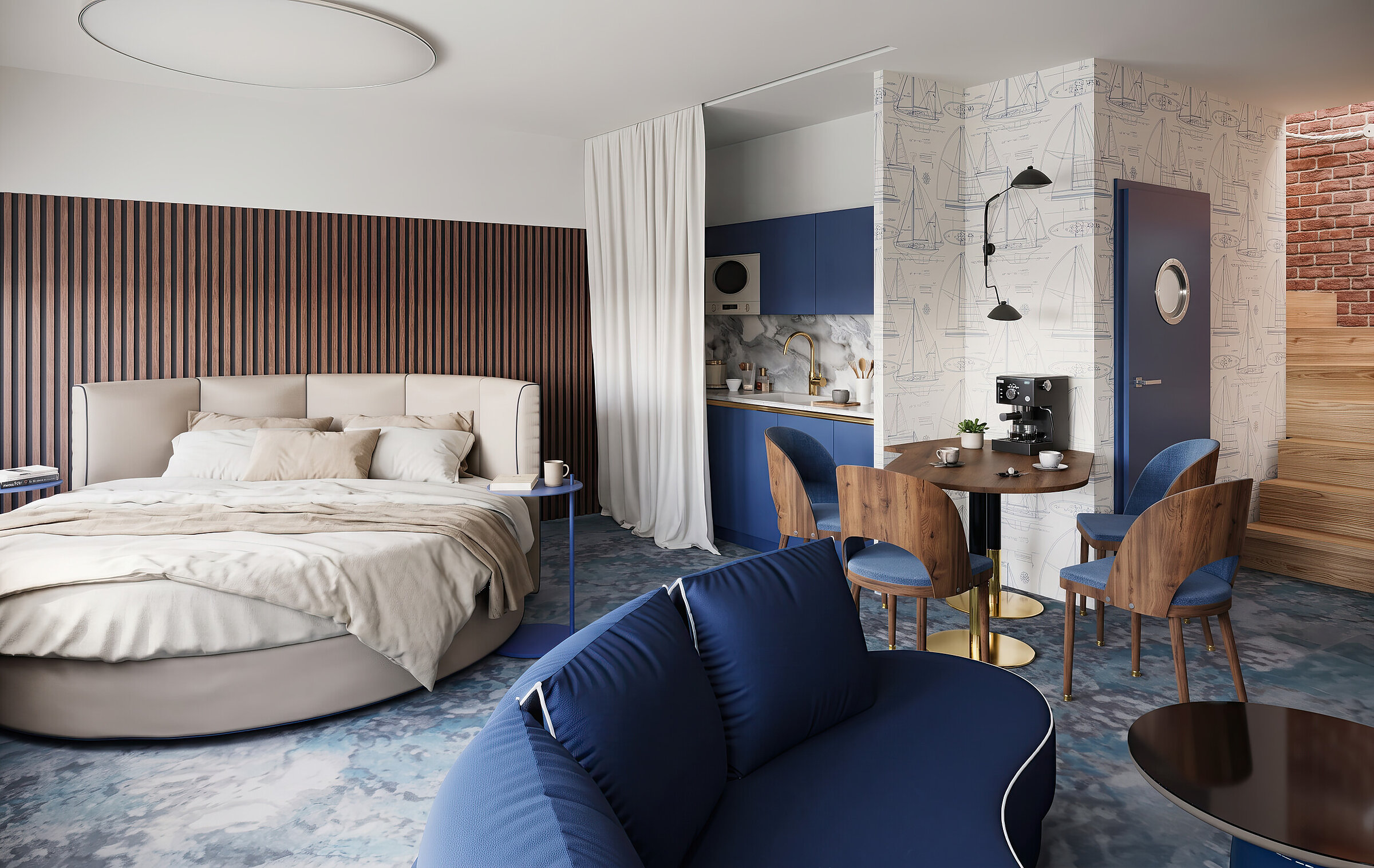
Rendering a high-resolution, high-quality image takes time and considerable computing power, so we only start the final render once the test renders have been approved and adjusted. The raw file then needs further image editing: post-production.
Post-production removes minor flaws, corrects colours and adds or enhances details. We deliver the finished work as raster files (.jpg, .png, .tif) at a resolution suitable for further editing, layout or publication.
“A good visualisation isn’t the result of a single click on ‘render’. It is the sum of many steps: understanding the documentation, building a precise model, and getting the materials and light right.”
The scale of work varies with the type of project: visualising a single product on a white background takes a different effort from a styled show apartment interior or a technically complex cutaway of a device, but the five stages above remain the same.